Product · Calendar sync
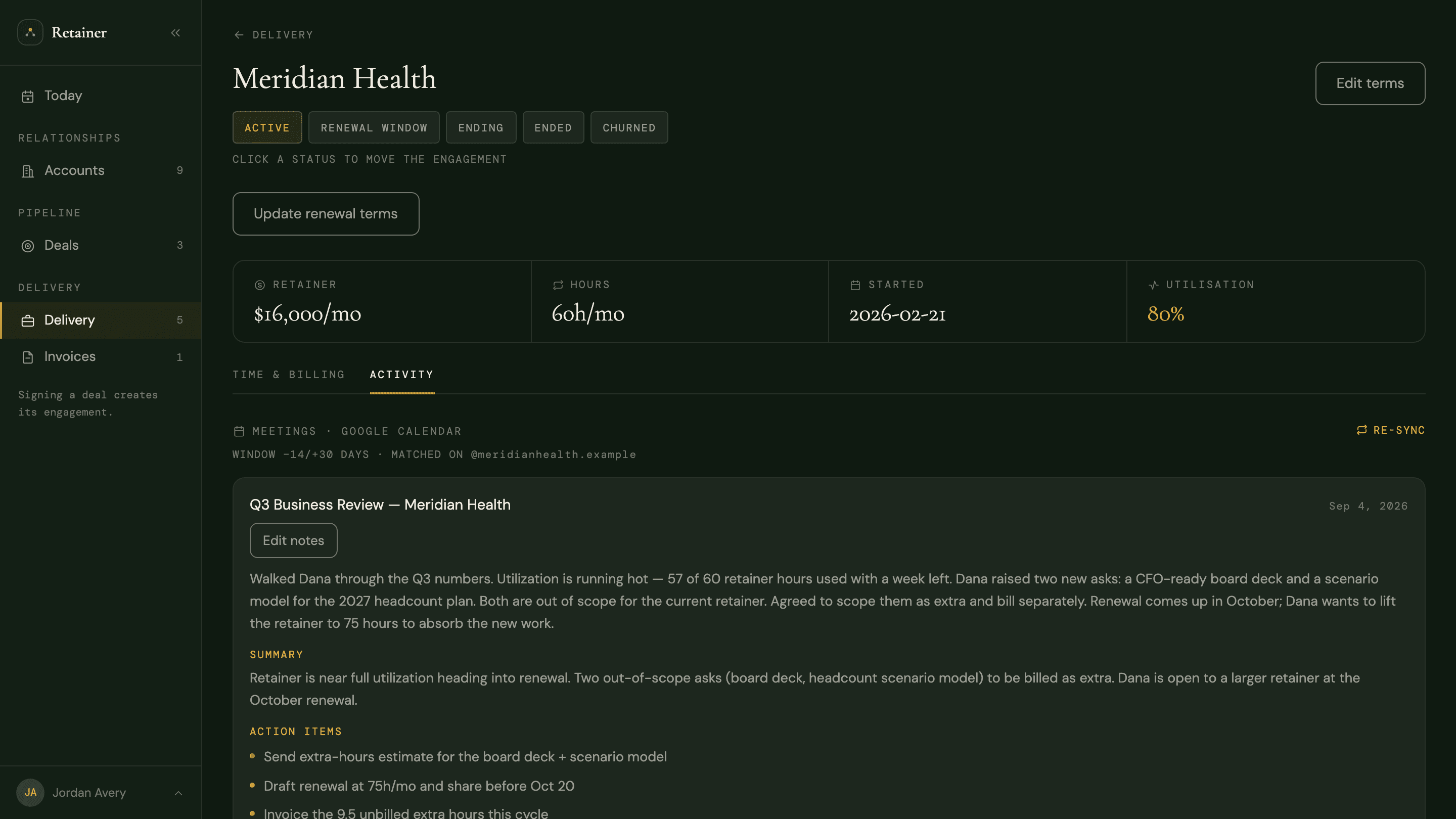
Connect Google Calendar once, read-only. Client meetings land on the right engagement and count as touches, so last contact is real data. Notes live where the work lives.
Start freeFree during beta · No credit card required

What it does
The CRM should not wait for you to type that a call happened.
Google Calendar, read-only. Signing up with Google requests it on the same consent screen. Disconnect anytime in Settings.
A client meeting lands on the engagement and counts as contact. Last-contact is data, not memory.
Jot what happened on the meeting. The note lives next to the engagement, not in a separate doc.
How it works
On signup or later in Settings. Read-only — Retainer cannot create, move, or delete events.
The first-run scan reads meeting history and drafts who matters. You classify. Minutes, not an afternoon of data entry.
Meetings with people at a known client attach to that engagement. Sync from Today or from one engagement.
Freeform notes on the meeting. That is the record. Nothing joins the call for you.
Google Calendar, read-only — event times, titles, and who was invited — so a client meeting can be told from a dentist appointment. One click in Settings disconnects it.
No. Retainer does not join meetings and does not record them. Notes are what you write after.
Yes. Linked meetings are touches, which is what Today uses for last contact and for clearing a quiet-relationship card.
Also in Retainer
Free during beta · No credit card required
Start free